


Best Websites to Make Phone Calls Online in 2026 (Free and Cheap)


Service terms are current as of August 2026.
Finding a reliable online calling website depends entirely on who you are calling and how often. For a quick, one-off free call without registration, web dialers like PopTox or Call2Friends are your best bet. If you need a complete, permanent US-based phone system for your business, Google Voice is a solid option. For anyone looking to make frequent, high-quality international calls to real mobiles and landlines worldwide, Yolla is the premier choice.
While several platforms let you place a web-based phone call directly from your browser, free tiers are always bundled with strict time limits, signup requirements, and restricted destinations. Ultimately, understanding these core trade-offs is what drives the choice of which service to use.
Online Calling Websites Compared
To make a phone call, website services can act as a softphone, letting you dial directly from your screen. The call travels over the internet to a VoIP gateway, which connects it to the regular telephone network so the recipient can answer on an ordinary mobile or landline. Choosing a service depends on your scenario.
A quick, one-off internet call may be best handled by a free, no-signup online dialer. For regular calling, an internet calling app or full account-based web dialer can provide additional features such as caller ID, call history, and account management.
The following table compares the key features, limits, and pricing of 10 online calling services available in 2026:
|
Service |
Platform |
Signup |
Free plan / limits |
Landlines |
Coverage |
Pricing |
Best for |
|
Yolla |
Web + iOS/Android |
Yes |
Free Yolla-to-Yolla calls; referral credits available |
Yes |
190+ countries |
Pay as you go; Bangladesh mobile/landline $0.026/min (Aug 2026) |
International mobile & landline calls |
|
Call2Friends |
Web + iOS/Android |
No for limited free calls |
Limited-duration free calls to selected destinations, including US, India & Pakistan |
Yes |
Worldwide; free routes limited |
Pay as you go; US $0.008/min (Aug 2026) |
Short free calls without signup |
|
PopTox |
Web |
No for limited free calls |
Number and duration of free calls limited daily |
Yes |
Worldwide |
Limited calls free; monthly subscription for unlimited calls |
Quick free browser calls |
|
HelloAirDial |
Web |
Yes |
One free call up to 1 min where base rate is ≤$0.15/min |
Yes |
200+ countries |
Pay as you go; Germany $0.02/min (Aug 2026); $5 minimum top-up |
Pay-as-you-go browser calling |
|
Globfone |
Web |
Yes + verification |
Mini-Boost credits typically available every 24h; amount varies |
Yes |
Worldwide; routes vary |
Free credits + paid Premium option |
Occasional free browser calls |
|
MySecondLine |
Web |
Yes |
Free calling advertised; exact allowance not stated |
Via app |
Global; numbers in 60+ countries |
Subscription; from $5.99/week or $8.99/month for US/Canada numbers |
Simple browser calling |
|
FreeConferenceCallHD |
Web VoIP + phone dial-in |
Yes for host |
Free VoIP conference access; 6-hour limit per conference |
No direct person-to-person dialing |
30+ dial-in countries; usable worldwide |
Free VoIP access; carrier charges may apply to phone dial-in |
Hosting or joining conference calls |
|
Dialpad |
Web + desktop/mobile apps |
Yes |
Free trial available |
Yes |
Availability varies by service/plan |
Business subscription |
Business & team communications |
|
Google Voice |
Web + iOS/Android |
Yes |
No free business plan; selected calls included with paid plans |
Yes |
Available in supported countries |
Subscription; Starter $10/user/month (Aug 2026) |
Google Workspace business calling |
|
Google Fi Calls for Web |
Web + Android |
Yes; Fi plan required |
No separate free plan; web calling included with Fi plans |
Yes, through Fi service |
Depends on Fi service/plan |
Included with Fi plan at no extra charge |
Existing Google Fi users |
Websites That Call Real Phone Numbers
These services connect internet-based calls to ordinary mobile and landline numbers, so the person receiving your call does not need to use the same app or service.
Yolla
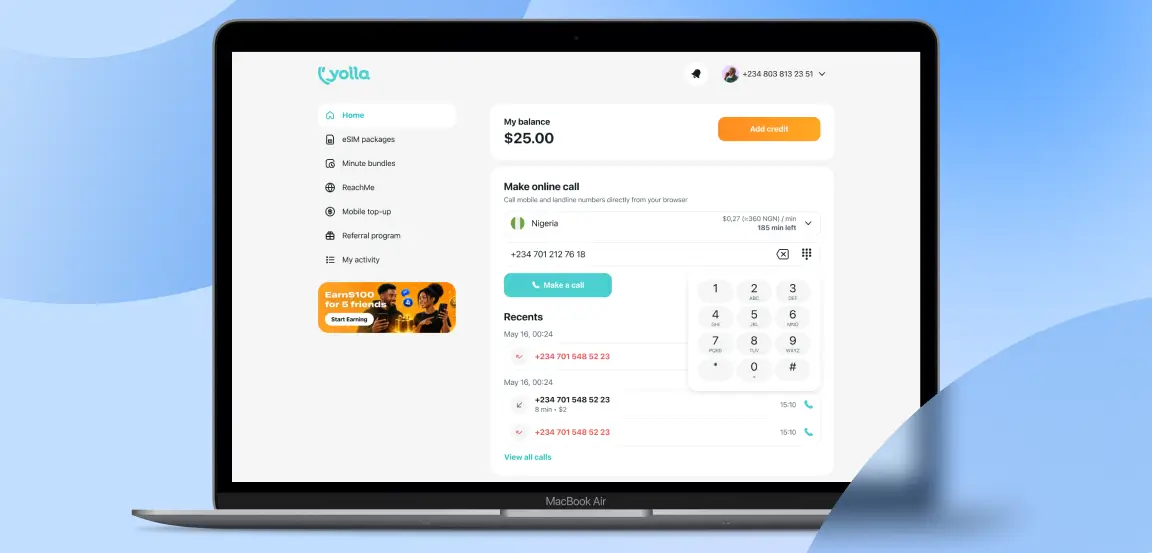
Yolla is an international calling service for people who want to reach ordinary mobile and landline numbers worldwide, whether they call regularly or only occasionally.
- How it works: The Yolla Web Dialer lets you call from a browser using the same Yolla account and balance as the mobile app. Yolla supports calls to 190+ countries, and the recipient does not need Yolla or an internet connection.
- Terms: Yolla-to-Yolla calls are free. Calls to ordinary phone numbers use paid or earned credits, with the applicable destination rate shown before you dial. Referral credits are available after a referred friend makes a qualifying payment.
- Pros: Yolla can display your existing phone number as caller ID, helping contacts recognize the call, while the shared account and balance make it easy to switch between web and mobile.
- Cons: New-user Welcome Offers are seven-day subscriptions that automatically continue as regular monthly subscriptions unless canceled.
Verdict: Choose Yolla for international mobile and landline calling with one account, balance, and caller identity across web and mobile.
Call2Friends
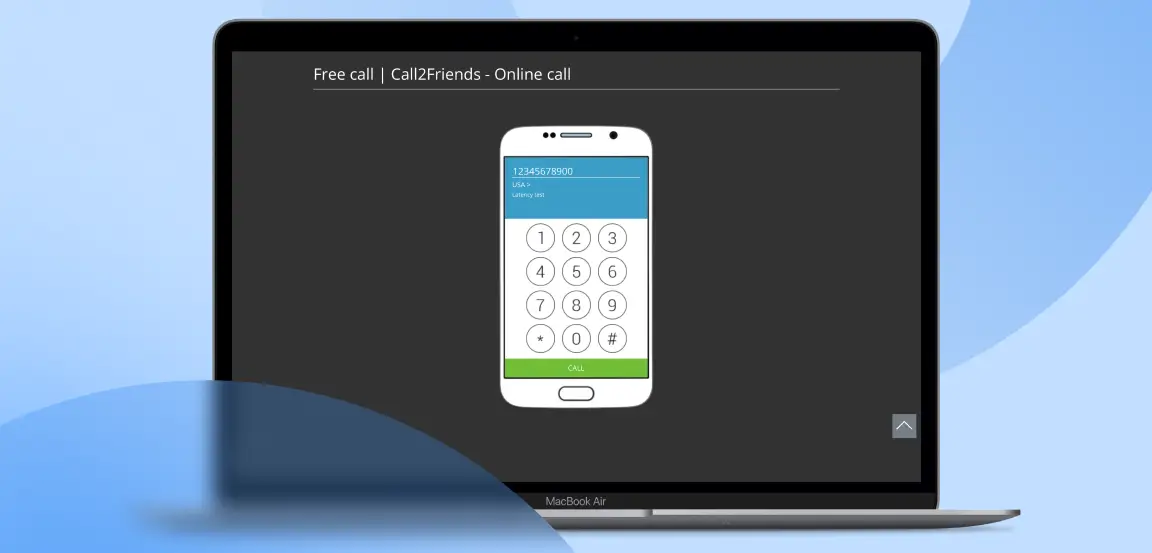
Call2Friends is a browser-based international calling service for people who want to make occasional calls to mobile and landline numbers without installing software or creating an account first.
- How it works: Calls can be placed directly from a standard web browser, with no downloads or plugins required. iOS and Android apps are also available for users who prefer mobile calling.
- Terms: Limited free calls are available to selected destinations, including the United States, India, and Pakistan. These calls are intended as a trial and have restricted duration. Paid calls are billed per minute, with no connection fees.
- Pros: Users can configure caller ID at no extra charge, record outgoing calls, and earn calling credit by watching videos or completing selected partner tasks.
- Cons: Call2Friends states that its free routes may offer slightly lower call quality than its regular paid routes, and free calling is limited to selected destinations and call lengths.
Verdict: Choose Call2Friends if you want to try a short international call without registration, with the option to move to paid calling later.
PopTox
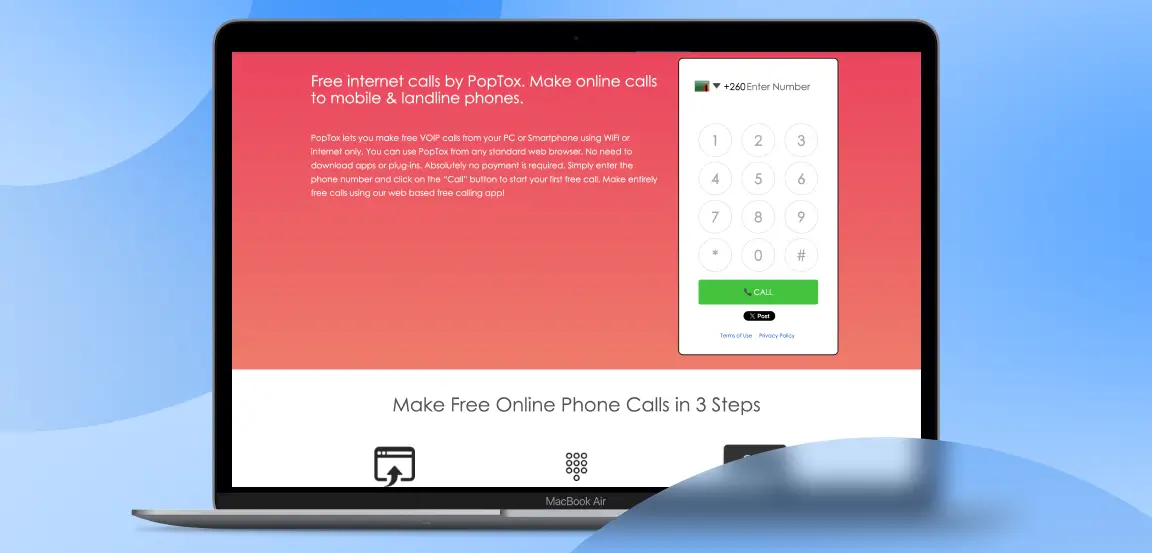
PopTox is a browser-based calling service for users who want to make a quick call to a mobile or landline without downloading an app or creating an account first.
- How it works: Open the PopTox website, select the destination country, enter the phone number, allow microphone access, and start the call from the browser. No app or plugin is required.
- Terms: No registration or payment is required for limited free calls. PopTox caps both the number and duration of free calls each day. Users who need more calling time can register and move to its paid service.
- Pros: The service connects browser calls directly to ordinary mobile and landline numbers, making it useful for one-off calls where the recipient does not use the same platform.
- Cons: The free allowance is limited, while the paid option uses a monthly unlimited-calling subscription rather than pay-as-you-go billing.
Verdict: Choose PopTox when you need a short, no-signup browser call to a real phone number and do not need ongoing account features.
HelloAirDial
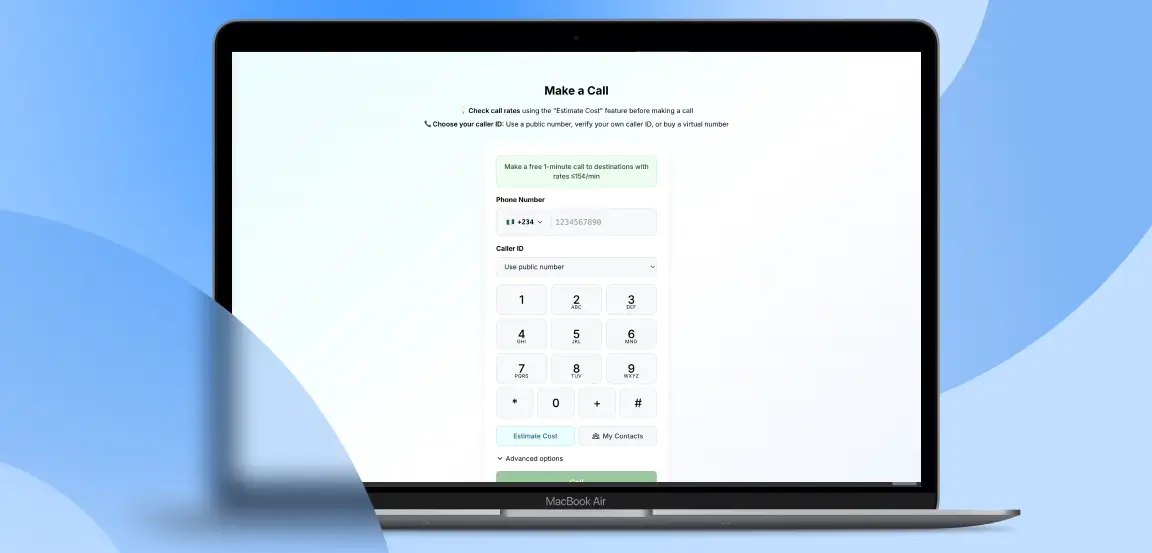
HelloAirDial is a pay-as-you-go browser calling service for people who want to reach ordinary mobile and landline numbers without installing an app or committing to a monthly calling plan.
- How it works: Sign in, enter the destination number, and place the call directly from a supported browser. An estimate tool shows the applicable per-minute rate before you dial, and the final cost is deducted from your prepaid balance according to the call duration.
- Terms: New users can make one free one-minute test call when the destination’s base rate is $0.15 per minute or less. The minimum top-up is $5, and purchased calling credits do not expire.
- Pros: Caller ID options include a public US number, your own verified number for a one-time $0.50 fee, or a dedicated virtual number. HelloAirDial also supports saved contacts and shared balances for teams.
- Cons: An account is required, and after the test call you need enough prepaid credit to cover the destination rate.
Verdict: Choose HelloAirDial if you want straightforward pay-as-you-go browser calling with upfront rates and flexible caller ID options.
Globfone
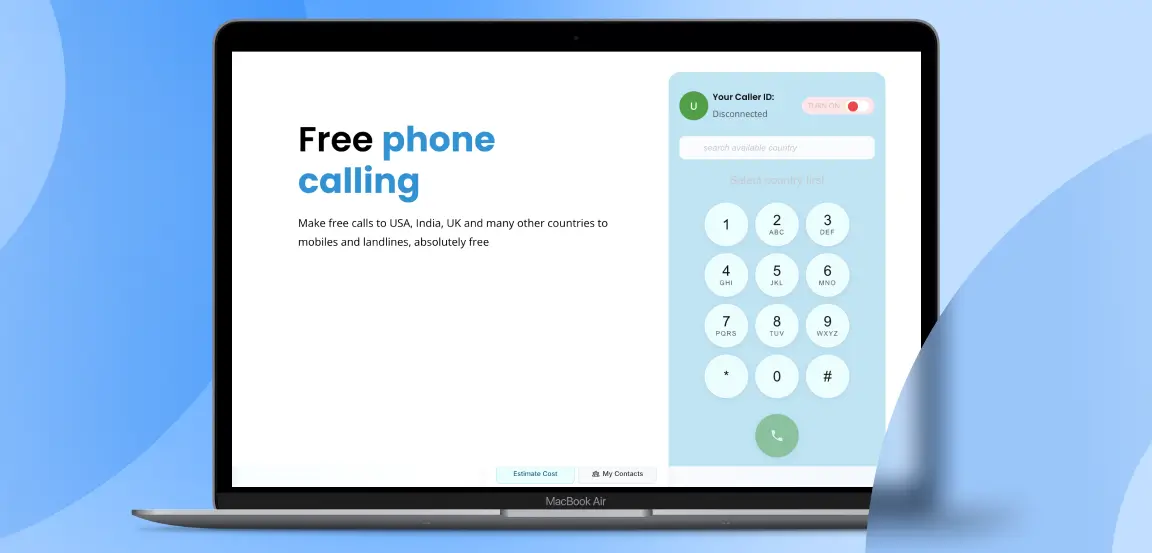
Globfone is a browser-based communication service for users who want occasional free calls to ordinary mobile and landline numbers without installing an app.
- How it works: Globfone’s WebPhone runs directly in modern desktop and mobile browsers. Calling requires a 3/3 credibility level, reached by verifying your email address, phone number by SMS, and payment card.
- Terms: Free calling uses small Mini-Boost credits, which can typically be requested every 24 hours after watching a short ad. A typical boost may cover a few minutes, but the available calling time depends on the cost of the destination.
- Pros: Globfone connects browser calls to mobile and landline numbers, and its paid Premium option removes ads and daily limits while expanding coverage.
- Cons: Anonymous calling is no longer available, and free users must complete the full verification process. Supported routes can also change as network availability and destination costs fluctuate.
Verdict: Choose Globfone if you only need occasional browser calls and are comfortable completing verification to use its free-credit system.
MySecondLine
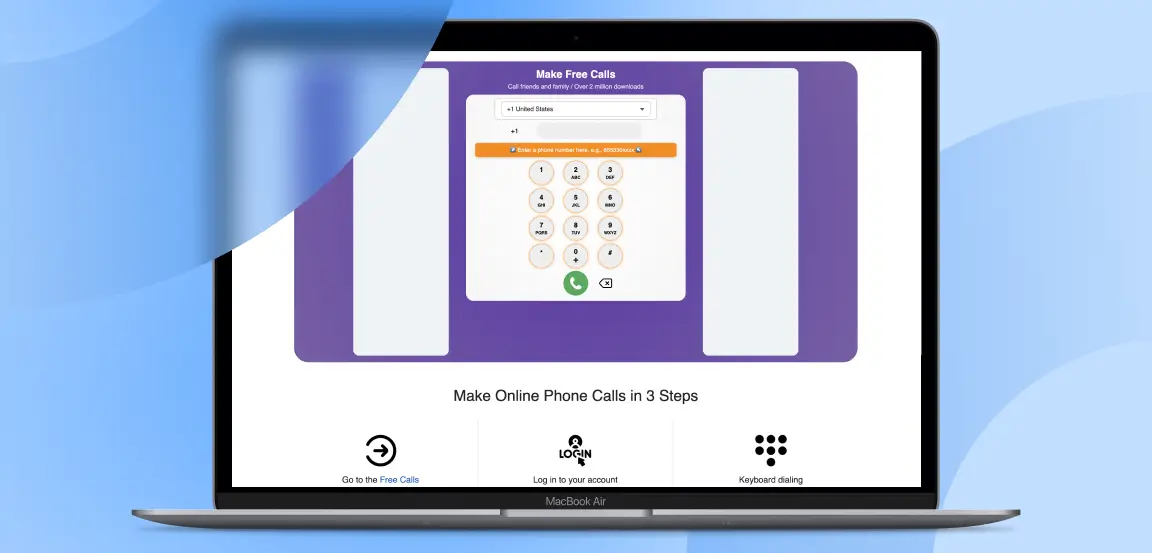
MySecondLine is a browser-based calling service for users who want to make international calls while also having the option to use a virtual phone number from another country.
- How it works: Users sign in to an account, choose the destination country or region, enter the phone number, and place the call directly from the browser without downloading plugins or additional software.
- Terms: Plans start at $5.99 per week or $8.99 per month for US/Canada numbers. Standard plans can include up to 600 monthly minutes and 400 messages, with additional usage charged separately.
- Pros: Outbound international calling is available worldwide, while virtual numbers are offered in 60+ countries. The same service also supports features such as voicemail and messaging, making it broader than a basic web dialer.
- Cons: Pricing varies depending on the country and number type, with some international virtual numbers costing substantially more than the standard US/Canada plans.
Verdict: Choose MySecondLine if you want browser calling combined with a second virtual number and prefer a subscription-based service over a basic free dialer.
Dialpad
Dialpad is a business communications platform for organizations that want voice calling as part of a broader system for customer service, sales, and internal communications.
- How it works: Dialpad Connect brings business calling and communications into one cloud platform, with AI features that transcribe calls, generate summaries and action items, and provide real-time analytics and reporting. It works across desktops, laptops, smartphones, tablets, and supported desk phones.
- Terms: A free trial is available, but ongoing use is designed around paid business plans rather than occasional consumer calling.
- Pros: Dialpad integrates with workplace tools including Salesforce, Zendesk, Microsoft Teams, and Google Workspace, helping businesses connect calling with existing customer and productivity systems.
- Cons: Its extensive administration, AI, analytics, and integration features make it considerably more complex than a simple browser dialer, so it is unlikely to suit someone who only needs an occasional personal call.
Verdict: Choose Dialpad if your organization needs business calling alongside AI-assisted administration, analytics, and workplace integrations.
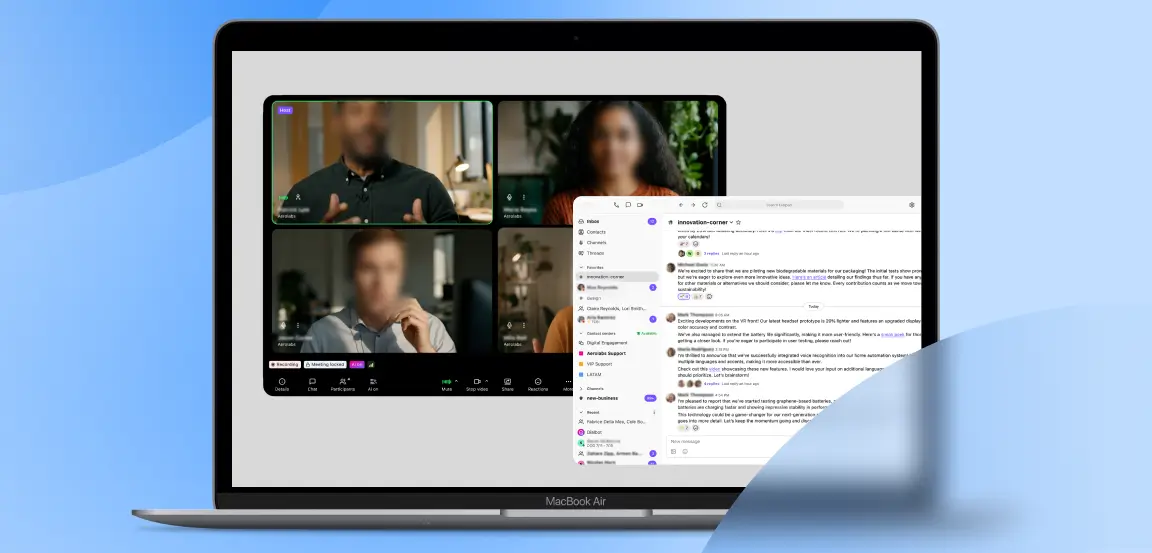
Google Voice
Google Voice is a cloud phone system for individuals and businesses that want an ongoing phone service across web, mobile, and supported desk phones rather than a one-off browser dialer.
- How it works: Users can make and receive calls through the Google Voice web application and mobile apps, while integrations with Gmail, Google Meet, and Google Calendar connect calling with the wider Google Workspace environment.
- Terms: Business plans start at $10 per user per month. Calls between Google Voice numbers and calls to the US are included; calls to Canada are included from Canadian or US Voice numbers, while calls to most European countries are included when calling from within Europe. Other international calls use Google’s rate card.
- Pros: Features include voicemail transcription, spam filtering, call forwarding, reporting, ring groups, auto attendants, and 24/7 support.
- Cons: Google Voice is built around an ongoing phone plan and account setup, making it less suitable for someone who only needs an occasional international call.
Verdict: Choose Google Voice if you want a business phone system that works closely with Google Workspace rather than a simple one-off calling website.
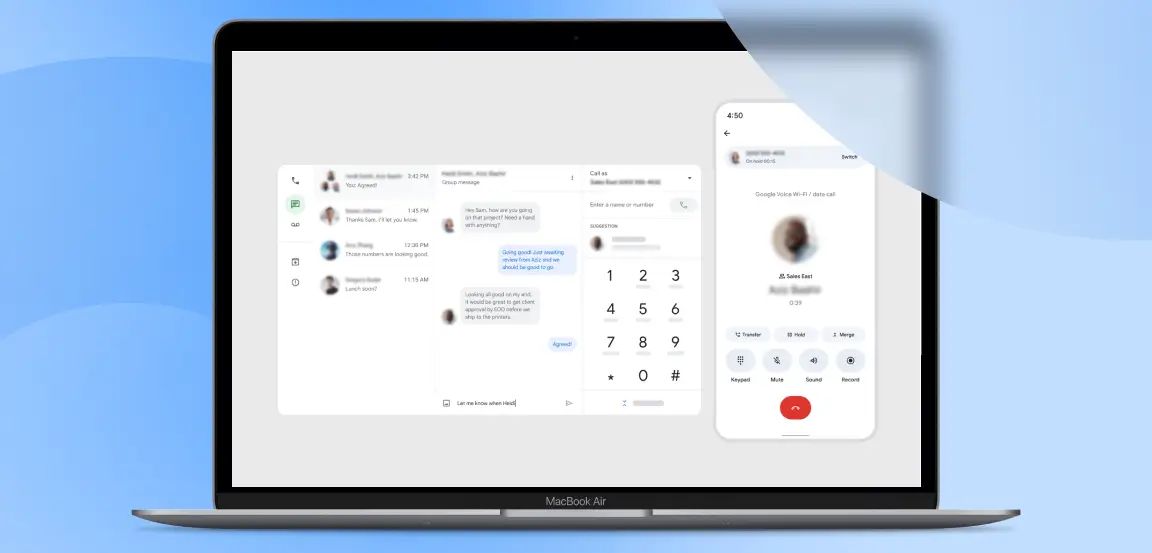
Google Fi Calls for Web
Google Fi Calls for Web is a browser extension of Google Fi Wireless for Android users who want to use their existing phone service from a computer or tablet.
- How it works: Once Google Fi is set up, users can make calls, send texts, and check voicemail from a web browser even when their phone is not nearby. The feature is available on computers and tablets and does not require a separate calling service.
- Terms: Web calls and messages are included with all Google Fi plans at no extra cost, but the feature is not a standalone free web dialer. You need an active Google Fi service, and web calling is an Android-exclusive feature.
- Pros: Browser messaging includes RCS features such as high-resolution media, typing indicators, and read receipts. Google also encrypts calls and texts end to end when both parties use Android phones on the Fi network.
- Cons: It offers little value unless you already subscribe to Google Fi and use Android, so it is far less accessible than a standalone browser-calling service.
Verdict: Choose Google Fi Calls for Web if you already use Google Fi on Android and want browser access to your existing calls, messages, and voicemail.
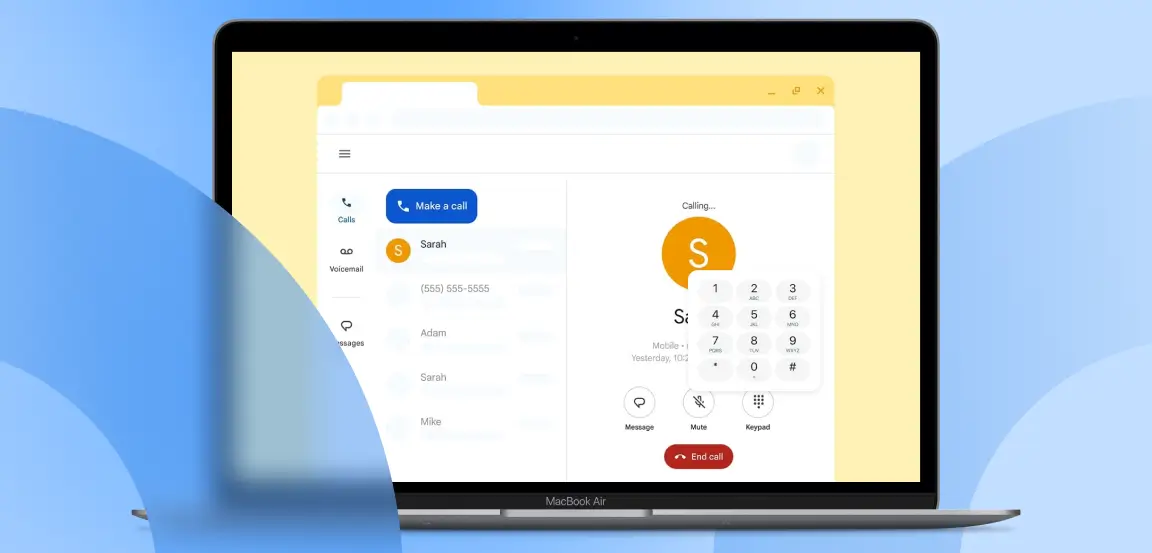
Websites That Only Call Other Users
Unlike services that connect to ordinary mobile and landline networks, peer-to-peer platforms generally require both people to use the same service. WhatsApp Web, Messenger, and Google Meet, for example, support browser-based voice or video calls, but they do not replace services that can dial standard phone numbers.
Several older options have also changed. Skype was retired on May 5, 2025, although the Dial Pad remains available in the web portal, while calling through Microsoft Teams is available with an active subscription. Google Duo was replaced by Google Meet, which supports calls between users of the service rather than direct calls to ordinary mobile or landline numbers.
For calling someone outside the same platform, a service that connects to real phone numbers is still required.
When a Free Website Is Not Enough
Many users search for terms like “1 minute free call,” “5 minute free call,” or “unlimited free call online” when looking to call anyone online free. Free web dialers can be useful for short or occasional calls, but their free tiers may not include everything needed for regular calling:
- Longer Calls: Free access may stop after a set time or daily allowance.
- Landline Coverage: Some destinations or types of phone number may only be available through paid calling.
- Caller ID: Displaying your own phone number may not be included with free calls.
- Account Features: Call history, saved contacts, and customer support may require an account or paid plan.
The important distinction is therefore not simply whether a website offers free calls, but exactly what its free allowance includes.
Why Use Yolla for International Phone Calls
When one-off free calling websites fall short because of session limits or restricted features, a full browser-based calling service can be a better fit for regular international calls. Yolla lets you connect directly with loved ones, banks, airlines, and government departments using ordinary mobile and landline numbers.
Unlike peer-to-peer communication platforms, Yolla supports calls to phone numbers in 190+ countries. Nothing is required from the recipient—they do not need to download Yolla, create an account, or have an internet connection. They simply receive the call on their mobile or landline.
Yolla also makes the cost visible before you call. Rates vary by destination and start from $0.04 per minute, with the applicable rate shown on the upfront rates page before you dial.
Because your Yolla account and balance are shared across the web and mobile app, credits purchased on the website are available wherever you call. Buying credits directly through the website can also avoid App Store or Google Play fees and VAT, saving up to 30%.
If you regularly call international phone numbers, you can try the Yolla Web Dialer and start calling directly from your browser.
Which Calling Website Should You Use?
Your choice of an online calling website depends on your destination and dialing frequency. Matching your specific scenario to the right platform ensures clear, hassle-free connections:
- For international mobile and landline calls: Choose Yolla. It supports calling to 190+ countries—including Nigeria, Cameroon, and India—and displays your real Caller ID with transparent, upfront rates.
- For quick, registration-free dialing: Choose PopTox or Call2Friends. These are ideal for brief, one-off calls to Pakistan or India, though free daily minutes are highly restricted.
- For an ongoing business system: Choose Google Voice. It is the best fit for professionals already integrated within the Google Workspace ecosystem.
While free dialers cover short casual chats, premium pay-as-you-go services like Yolla are easy to set up and highly cost-effective for any occasional caller.
Frequently Asked Questions
What is a good website for phone calling?
A good website for phone calling depends on your specific needs, but platforms like PopTox or Call2Friends are excellent for quick, one-off free calls. For a permanent, business-grade VoIP line, Google Voice is highly reliable. If you need consistent, high-quality international calling to mobiles and landlines, Yolla is the premier choice.
Can I make phone calls online for free?
Yes, you can make phone calls online for free using various browser dialers, but these free plans come with strict limitations. Free calls are typically capped at one to five minutes per day, support only select destinations, omit Caller ID features, and are often funded by watching partner advertisements.
Can I make a phone call from a website?
Yes, you can easily make a phone call directly from a website using modern WebRTC technology. Platforms like HelloAirDial, Call2Friends, and PopTox run directly inside standard desktop or mobile web browsers like Chrome or Safari, connecting your microphone to physical phone networks without requiring any plugins or downloads.
What is a good free app for making calls?
A good free app for calling depends on whether you are reaching another app user or dialing a real phone number. For free app-to-app communication, WhatsApp and Messenger are top secure choices. For reaching real mobiles and landlines, Yolla is a top option where you can earn calling credits.
How can I make a free call online without registration?
You can make a free call online without registration by visiting a free ad-supported dialer website like PopTox or Call2Friends. These platforms allow you to input a number and place a brief call instantly, though they strictly limit your daily call duration and connection attempts to prevent service abuse.
Can I call any number online?
No, you cannot call absolutely any number online due to regional telecom regulations, cost barriers, and platform restrictions. While premium services like Yolla connect you to mobiles and landlines in 190+ countries, free dialers restrict their routes, and legacy apps like Skype cannot place calls to emergency service numbers.
Can I make a call without a SIM card?
Yes, you can easily make a phone call without a SIM card by using an internet connection. Web-based calling platforms and apps use VoIP technology to route your voice over Wi-Fi or mobile data instead of cellular voice networks, letting you dial landlines and mobile numbers from tablets or computers.
Is Skype still available for online calls?
While Skype's legacy platform remains accessible for online calls through its basic web portal dial pad, the standalone Skype service was officially retired on May 5, 2025. Microsoft has transitioned its primary communication and collaborative dialer features into Microsoft Teams, which requires an active subscription for outbound calling.
Disclaimer:
- Google Voice and Google Fi are trademarks of Google LLC.
- Dialpad is a trademark of Dialpad, Inc.
- PopTox and the PopTox logo are trademarks and service marks of their respective owner.
- Call2Friends, including its name, logo, and other brand features, is the property of its respective owner.
- HelloAirDial, including its name, logo, and other brand features, is the property of its respective owner.
- Globfone, including its name, logo, and other brand features, is the property of its respective owner.
- MySecondLine, including its name, logo, and other brand features, is the property of its respective owner.
Yolla is not affiliated with, endorsed by, or sponsored by Google, Dialpad, Call2Friends, PopTox, HelloAirDial, Globfone, MySecondLine, or any other third-party service mentioned in this article. All third-party images in this article are used for the purpose of comparative analysis of interface functions.