

iOS 14 Important Announcement
October 6, 2020




Local Network Settings
You might have already seen this pop-up. It requests access to local network settings. This pop-up is shown when the app adjusts network parameters in order to connect to our servers. The access is only needed to read your internet connection parameters - that ensures fast and stable connection when making calls through Yolla. The popup is shown after you install Yolla on iOS 14 or upgrade your device to iOS 14. This permission is required to make calls through Yolla. Without this permission, the calls cannot go through. If you have already seen this pop-up but denied access to the local network, you can still provide this access in the iPhone settings. Just open the iPhone settings, scroll down to Yolla and turn on the "Local network" slider.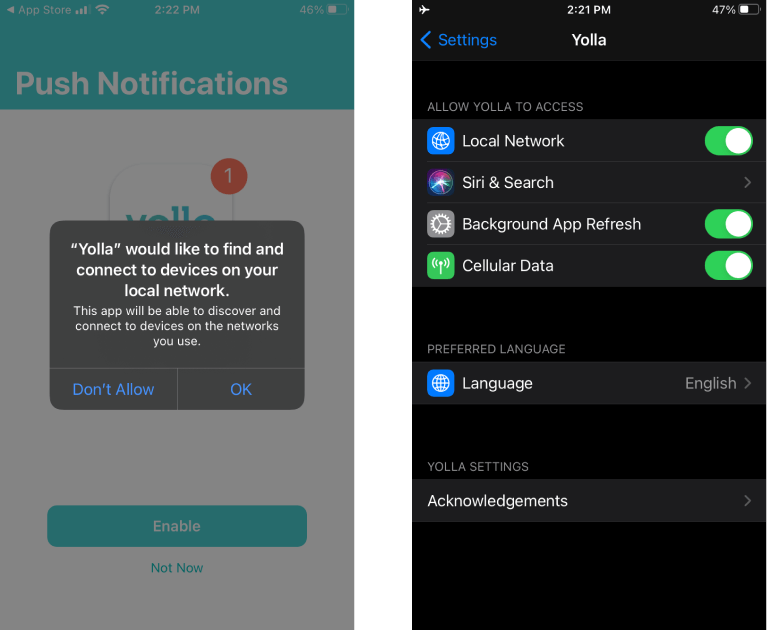
Traffic source
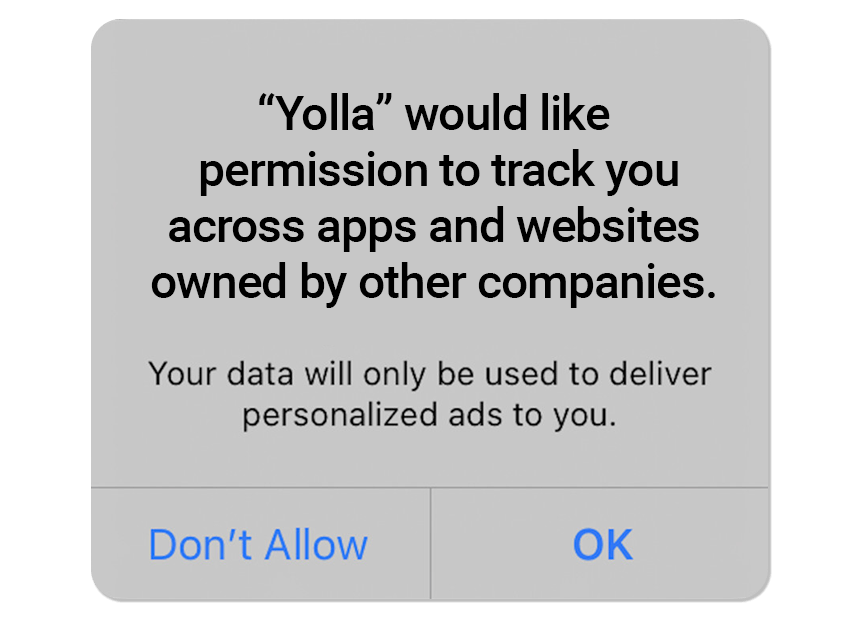
The second pop-up will appear in early 2021 and will request your permission to tell us the source that you first downloaded our app from. Let's say you saw a Yolla ad on Facebook or in Google Search. This permission lets us see that you came from Facebook or from Google, so that we can spend our ad budget rationally and direct more resources towards developing further feautures for you, our users. We ask that you give us this permission in order to help Yolla operate more efficiently.